
Quick answer
In Typomo you can type a word or sentence in your own language, such as English, Japanese or Korean, and get a Taiwanese Mandarin suggestion in Traditional Chinese with its Zhuyin filled in automatically. You can edit both before saving. You can also type or paste Chinese, import a text or CSV file, or read text from a photo of a textbook page.
Why your own words need a different tool
Adding your own vocabulary usually means three lookups: find the Chinese for an English word, make sure it is what people in Taiwan say, then find the Zhuyin for each character. By the time you have done that for twenty words, the motivation to practice them is gone.
This feature is for learners who have a class, a textbook or a daily life that keeps producing new words. You start from what you know, a word in your own language or Chinese text you already have, and Typomo prepares an entry you can type in Zhuyin right away.
How adding a word works
Type in your own language
Enter a word or short sentence in English, Japanese, Korean or another language you use.
Get a Taiwanese Mandarin suggestion
Typomo suggests the Traditional Chinese for it using Apple's on-device translation.
Check the Zhuyin
The Zhuyin is filled in automatically. Read it over and edit either the Chinese or the Zhuyin if something is off.
Save and practice
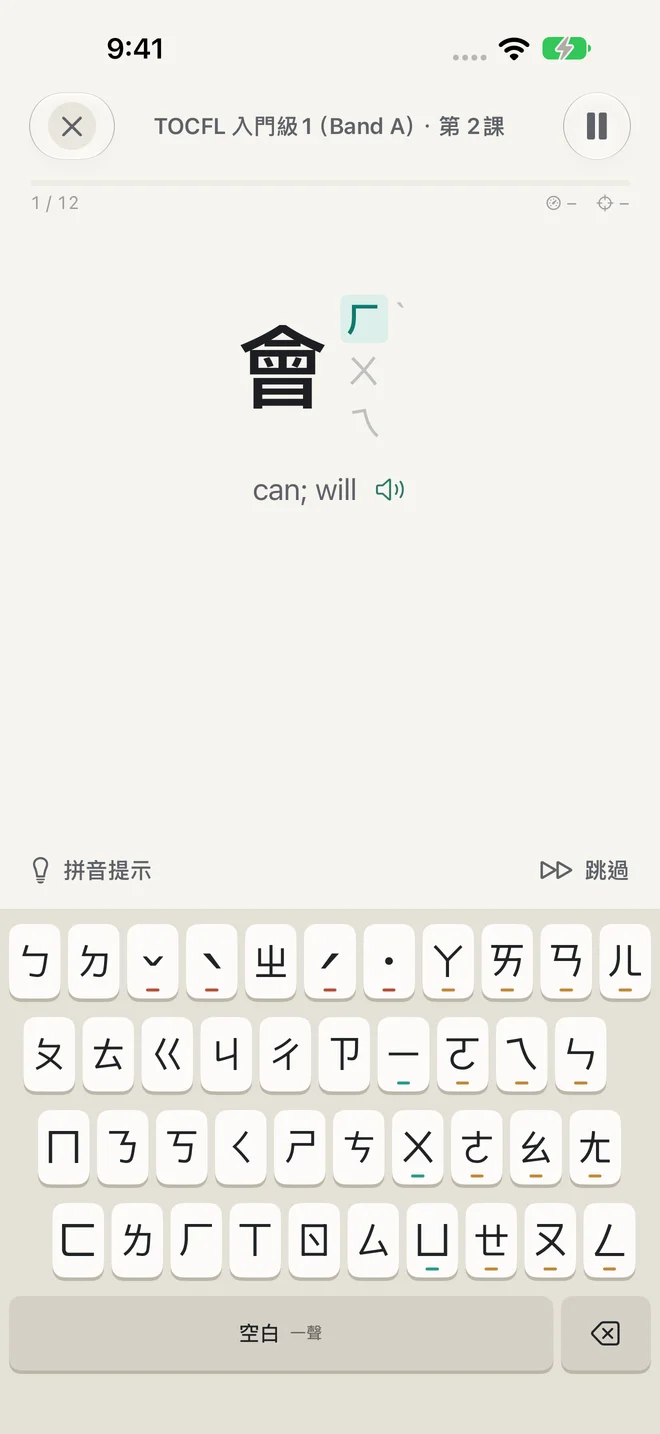
Save the entry to a folder and practice it on the same keyboard as the lessons.
What your device needs
Typomo itself runs on iOS and iPadOS 17 or later. The translation step depends on Apple features on your device, so it helps to know which part needs what:
| Feature | Requirement |
|---|---|
| Typing or pasting Chinese, with Zhuyin filled in | iOS / iPadOS 17 or later |
| Suggestion from your own language | iOS 18 or later (Apple on-device translation; a language may need a one-time download) |
| Several candidates with usage hints, plus a meaning and example | Apple Intelligence (iOS 26 or later, on eligible devices) |
Translations and generated text can be wrong. Treat every suggestion as a draft and check it against your textbook or a teacher before you drill it.
Other ways to add words
- Type Chinese directly if you already know the characters; the Zhuyin is filled in for you.
- Paste a list copied from notes or a message.
- Import a text or CSV file, handy for a vocabulary list from a class.
- Read a photo of a textbook page using on-device text recognition, then choose the words to keep.
- Organize in folders, for example one per lesson or topic.
Details
- Zhuyin is always editable, which matters for characters that have more than one reading.
- Your entries are read aloud with the Taiwan Mandarin system voice installed on your device.
- Free for up to 24 entries.
- Missed entries go into review, and results count toward your stats.
- No account; your words stay on your device.
Building a personal word list without any app
Keep a running list in a notes app with three columns: the word in your language, the Chinese, and the Zhuyin. Fill in the Zhuyin by hand from the Zhuyin chart rather than copying it, because writing it out is half the learning. Mark characters you are unsure of and ask a teacher or a friend from Taiwan.
Once a week, type the whole list with the system Zhuyin keyboard and move anything you get right three weeks in a row to an archive. How to type in Zhuyin covers tones and choosing characters. If you are just starting, the learning path is the better first step; your own words work best once the 37 symbols feel familiar.
Frequently asked questions
Is this a Chinese-to-Zhuyin converter?
In part. When you type or paste Chinese, Typomo fills in the Zhuyin automatically, and you can edit it. The goal is practice, so each entry becomes something you type, not just a conversion you read.
Can I translate English to Taiwanese Mandarin with it?
Yes, on iOS 18 or later, using Apple's on-device translation; some languages need a one-time download first. The result is a suggestion in Traditional Chinese that you can edit, so check it before you practice it.
Do I need Apple Intelligence?
No. Apple Intelligence (iOS 26 or later, on eligible devices) adds several candidates with usage hints and fills in a meaning and example. Without it, you still get a translation suggestion on iOS 18 or later, and Chinese entry works on iOS 17.
How many words can I add for free?
Up to 24 entries, words or sentences, for free. Each one is practiced and reviewed like the built-in stages.