Free download
Free
Get to know Zhuyin.
- All five Zhuyin symbol lessons
- The first word stage and the first sentence stage
- Up to 24 of your own words and sentences
- Mistake review and learning stats
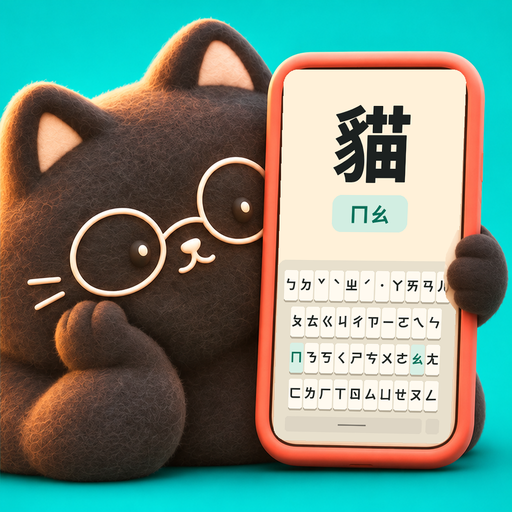 Typomo.
ZHUYIN (BOPOMOFO) TYPING PRACTICE
Learn Taiwanese Mandarin by typing with Zhuyin (Bopomofo). Listen, find the key, and go from your first symbol to words and sentences in Traditional Chinese, at your own pace.
Download on the App Store (opens in a new tab)Free · iPhone / iPad
See how it worksONE LITTLE STEP AT A TIME
SCROLL THROUGH A LITTLE PRACTICE.
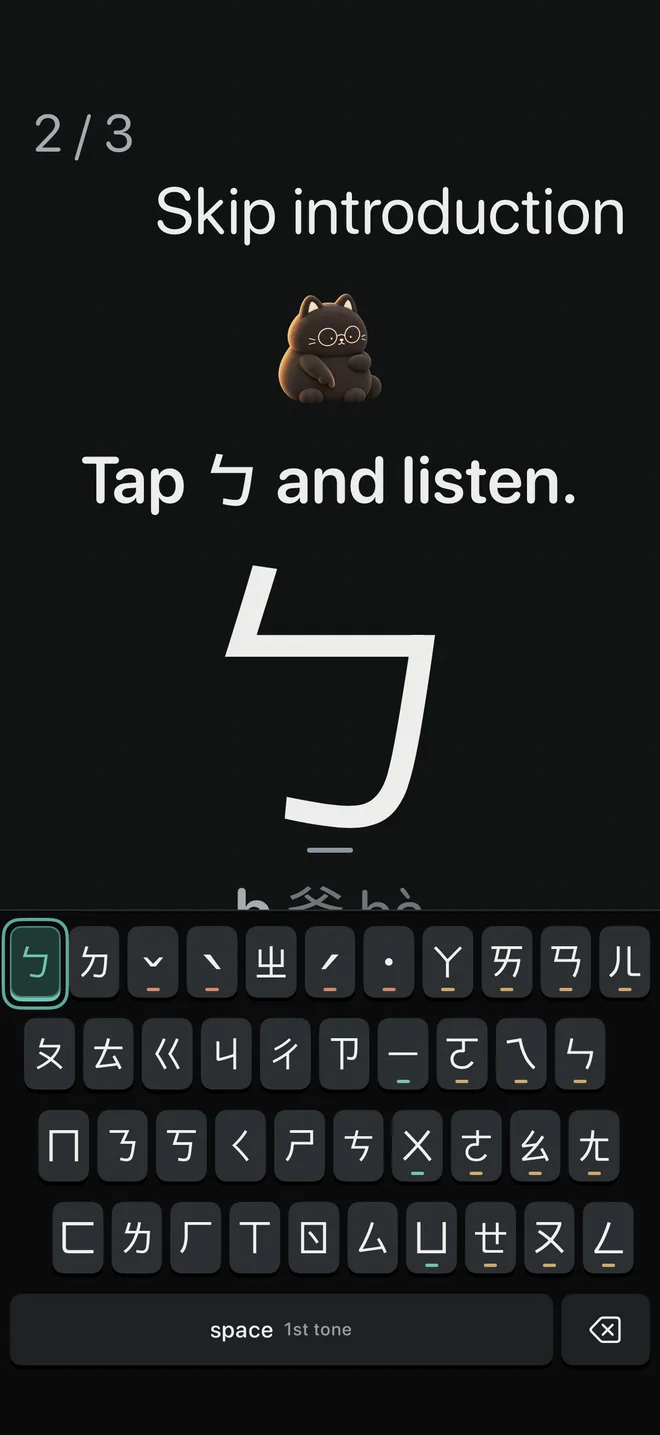
01 / 06
Listen, find the highlighted key, and give it a tap. Get to know the Dachen Zhuyin keyboard, one symbol at a time.
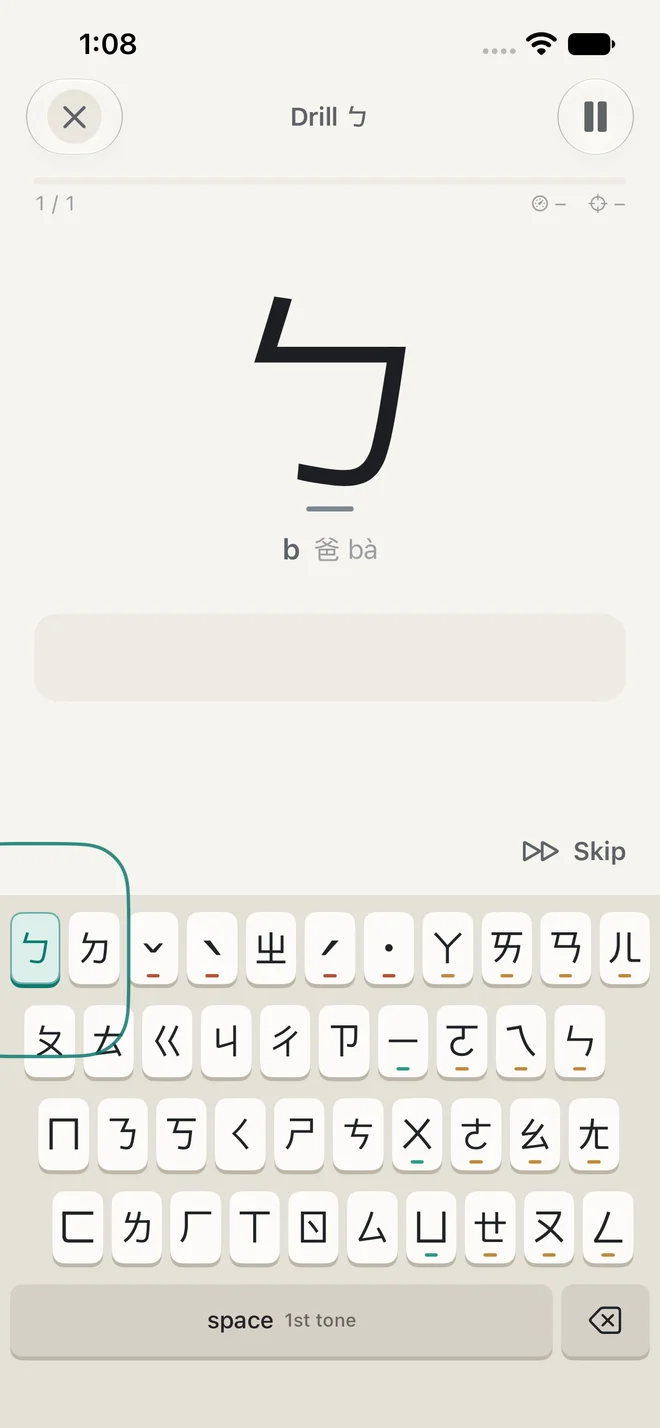
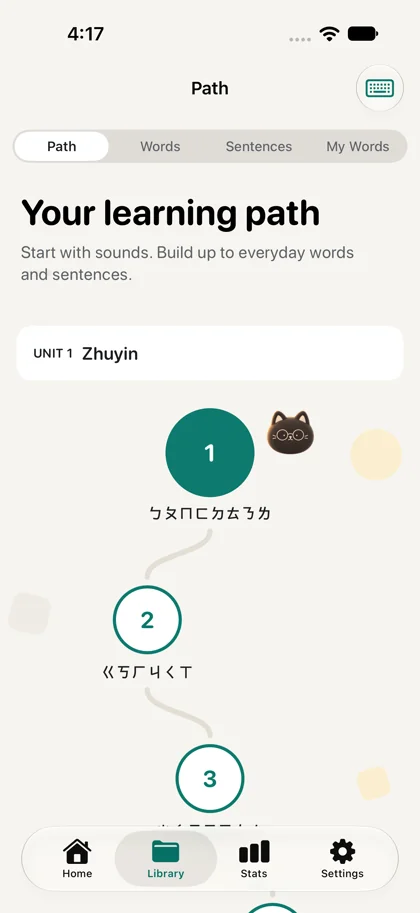
02 / 06
Start with five free symbol lessons. Follow a learning path from sounds to words and sentences, at your own pace.
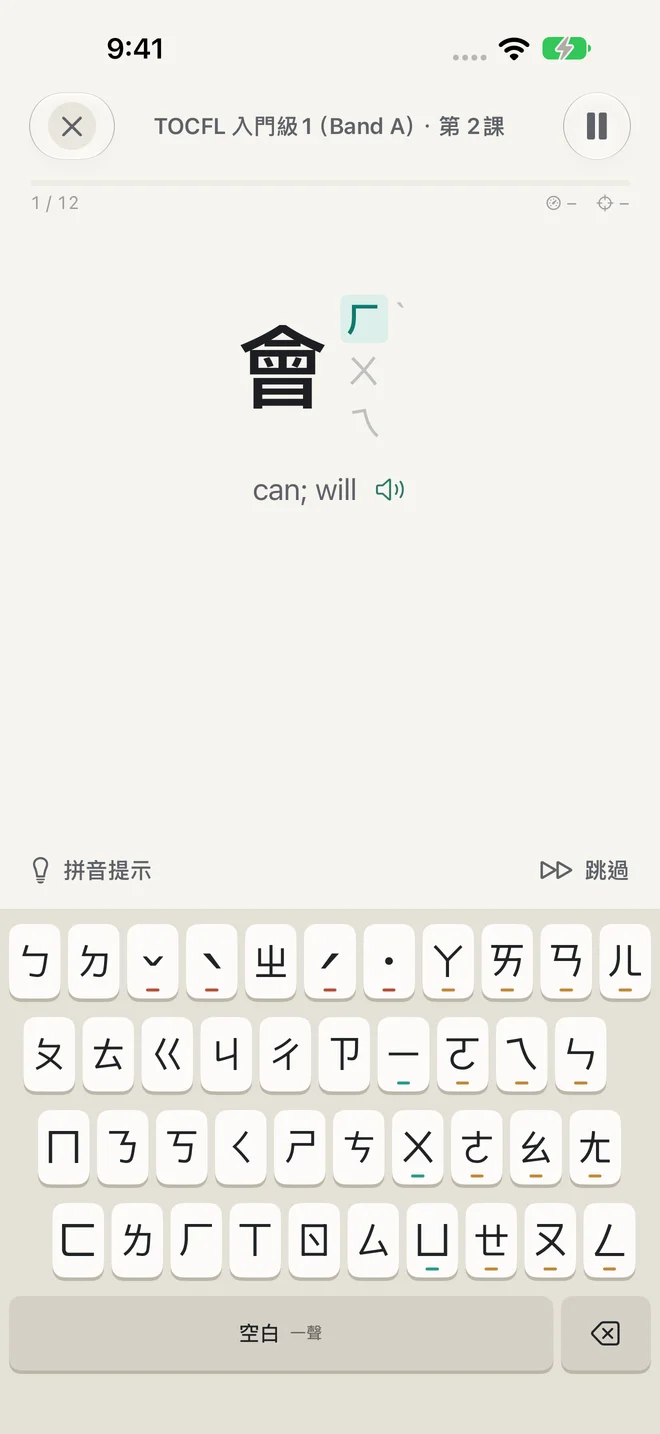
03 / 06
Read the meaning and type its Zhuyin. Adjust hints as you get comfortable.
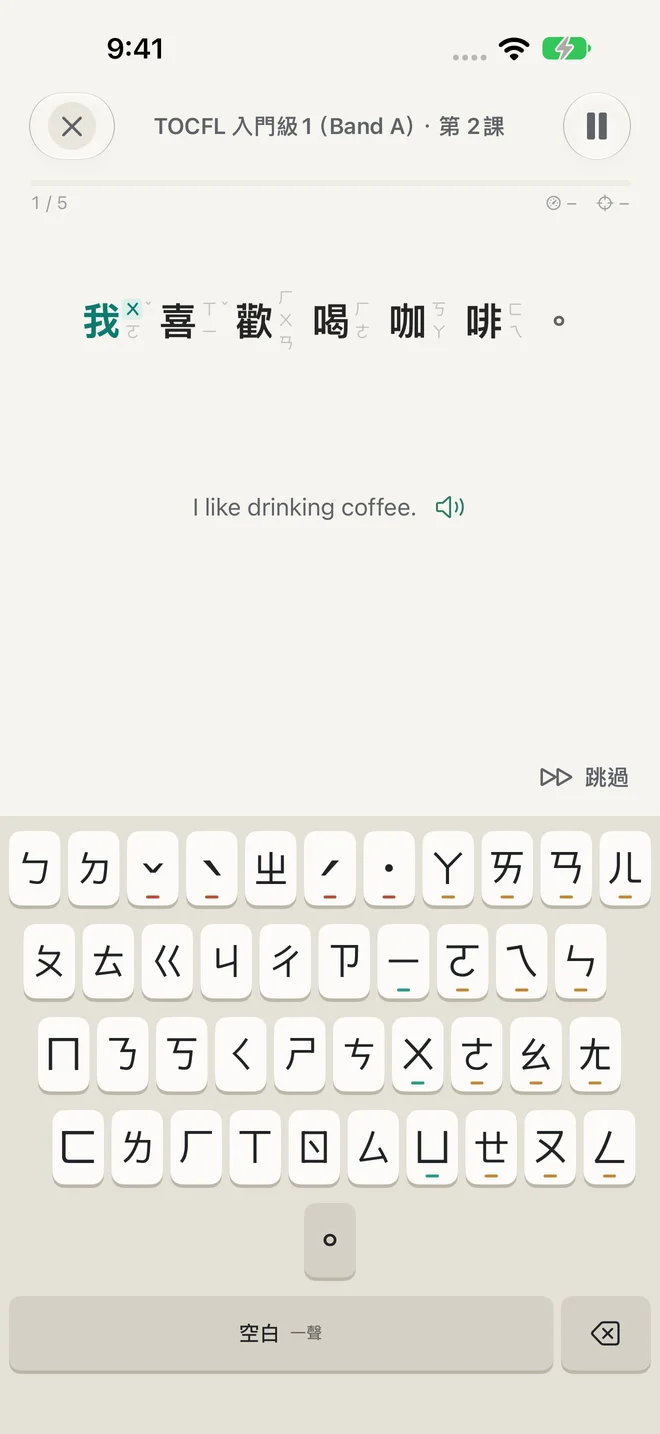
04 / 06
Build on words with full sentences, one syllable at a time.
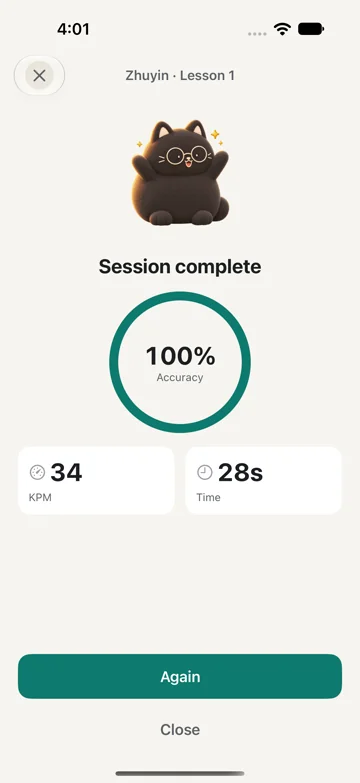
05 / 06
Check your accuracy, typing pace and time at the end of practice. Revisit words and sentences you missed.
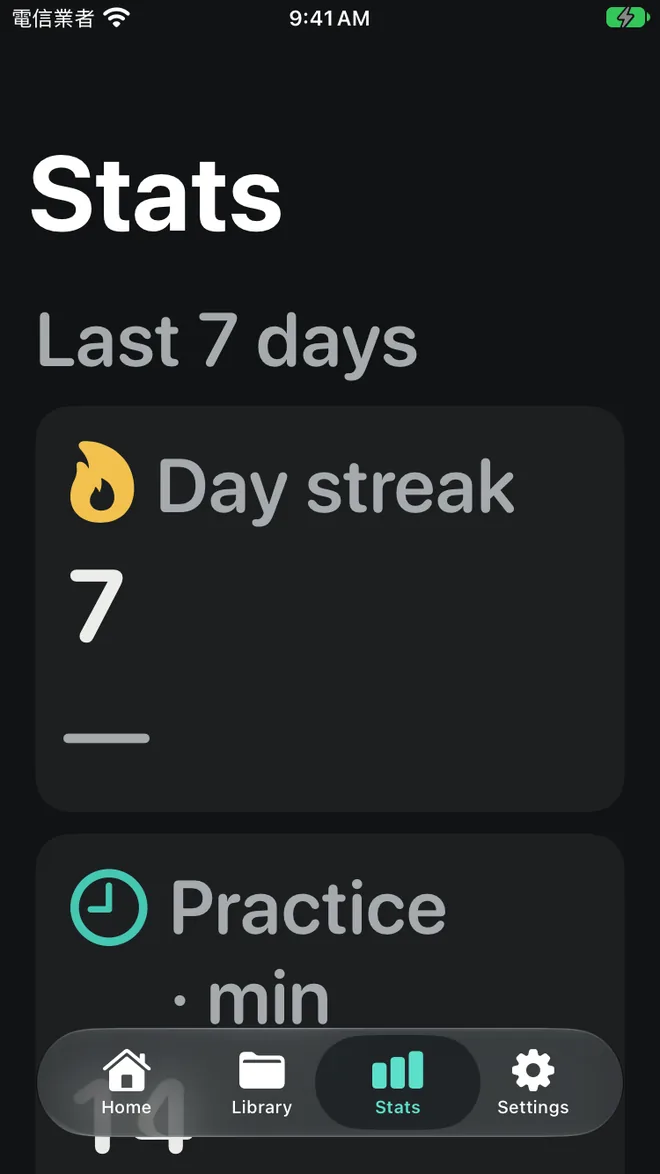
06 / 06
Look back at practice time, accuracy and typing pace in Stats. Keep practicing on iPhone or iPad.
iPhone + iPad
Real app captures: English / 繁體中文. Stats uses example practice data.
A SMALL START
Free
Get to know Zhuyin.
No subscription. No ads.
A LITTLE LISTENING, TOO
Practice with natural Taiwan Mandarin voices, female and male. Choose the voice you like. The curriculum audio comes with the app, ready to listen offline.
Your own words and imports use the Taiwan Mandarin system voices installed on your device.

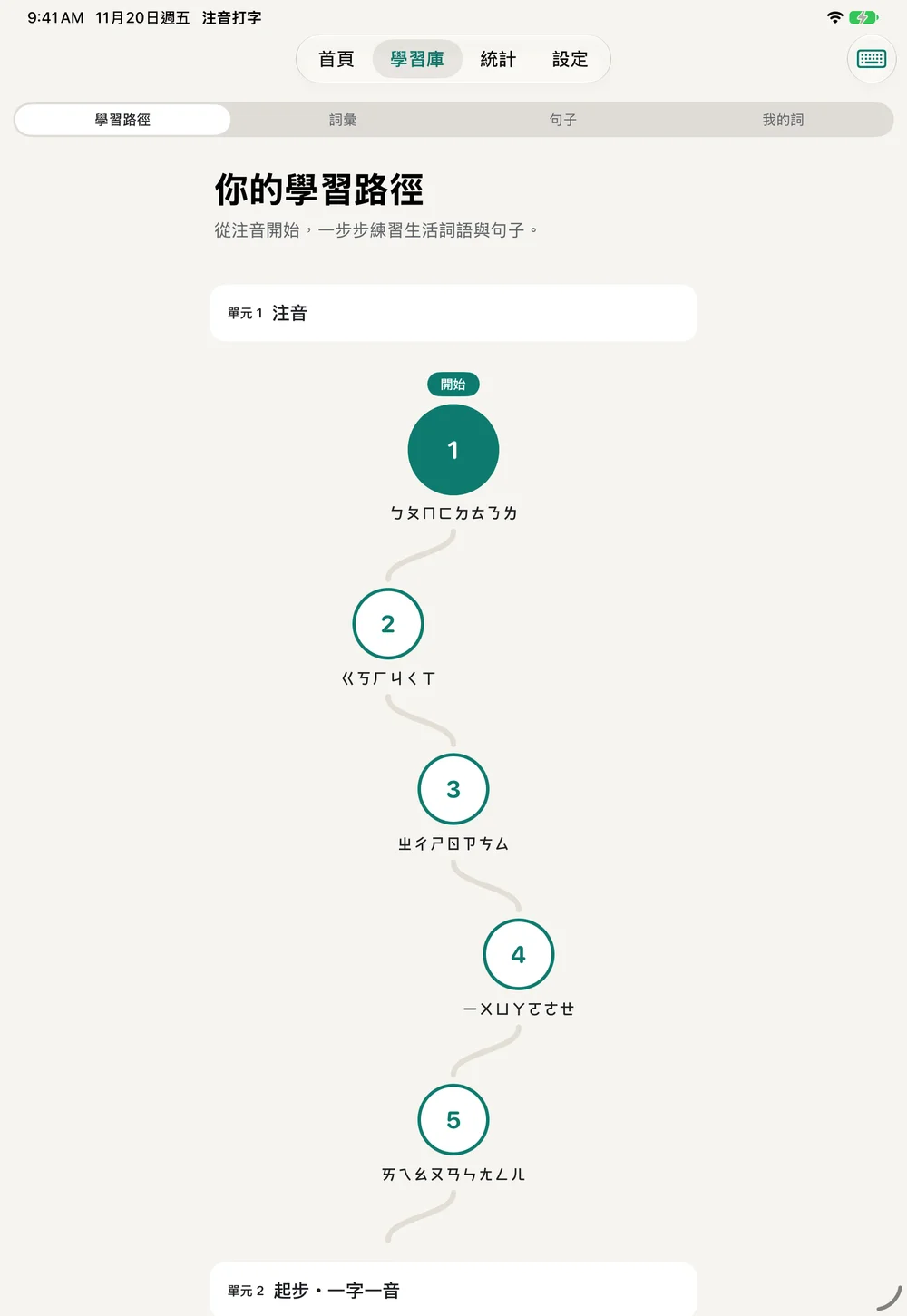
Yes. All five Zhuyin symbol lessons are free. Start by listening to the sounds, finding the marks, and typing them on the app’s built-in keyboard.
Yes. The first word stage and the first sentence stage are built in, and you can add up to 24 of your own words and sentences to practice. All free.
Yes. Typomo supports iPhone and iPad with iOS / iPadOS 17 or later. On iPad, you can practice in portrait or landscape.
Yes. Everything in the app is free: the five Zhuyin symbol lessons, the first word and sentence stages, up to 24 of your own words and sentences, review and stats.
Ordinary practice and the bundled curriculum voices work offline. Downloading system voices to your device needs a connection.
Taiwanese Mandarin, using Traditional Chinese and Zhuyin (bopomofo), with the Dachen keyboard layout. Typomo is a typing practice app, rather than a system keyboard.
Typomo is made and provided by TechTransLab, LLC, a company in Delaware, United States. Reach us at support@techtranslab.com (opens in a new tab).

Make a little time to type Taiwanese Mandarin.
Download on the App Store (opens in a new tab)